Get the Real Presence Radio App!
Listen anytime, anywhere — on your phone or tablet.
How to download the App:
Look for our logo and tap Download or Install.
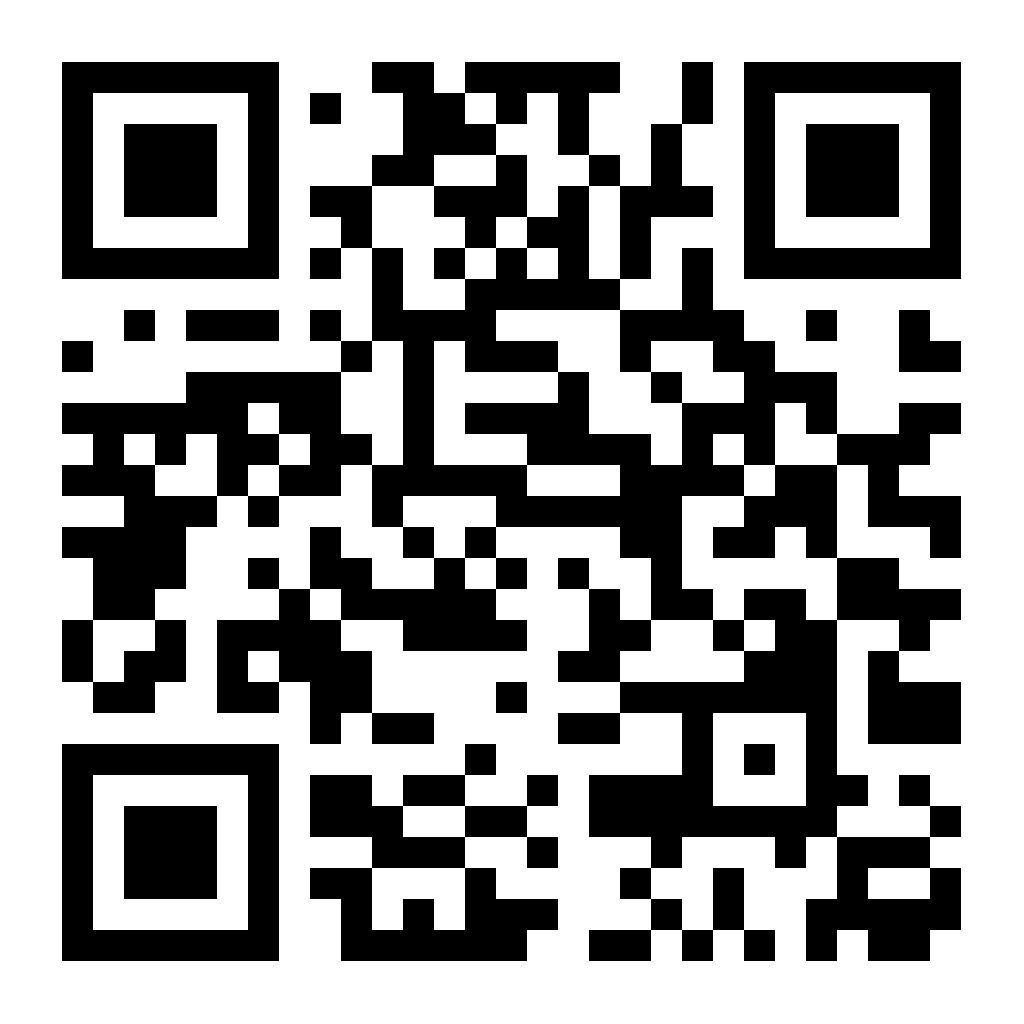
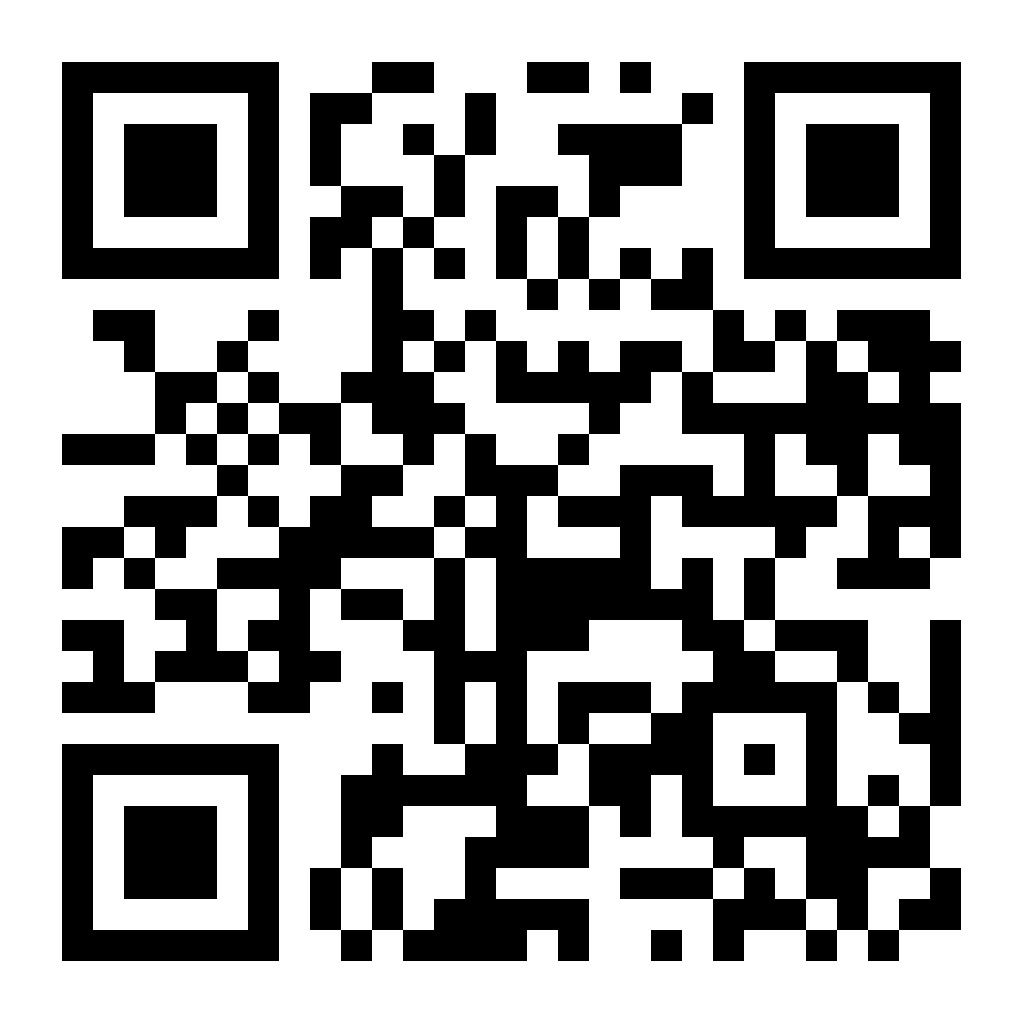
Open your phone’s camera app.
Point it at the QR code below (don’t take a picture — just point).
Tap the link that pops up on your screen.
Follow the steps to download the app for your phone.